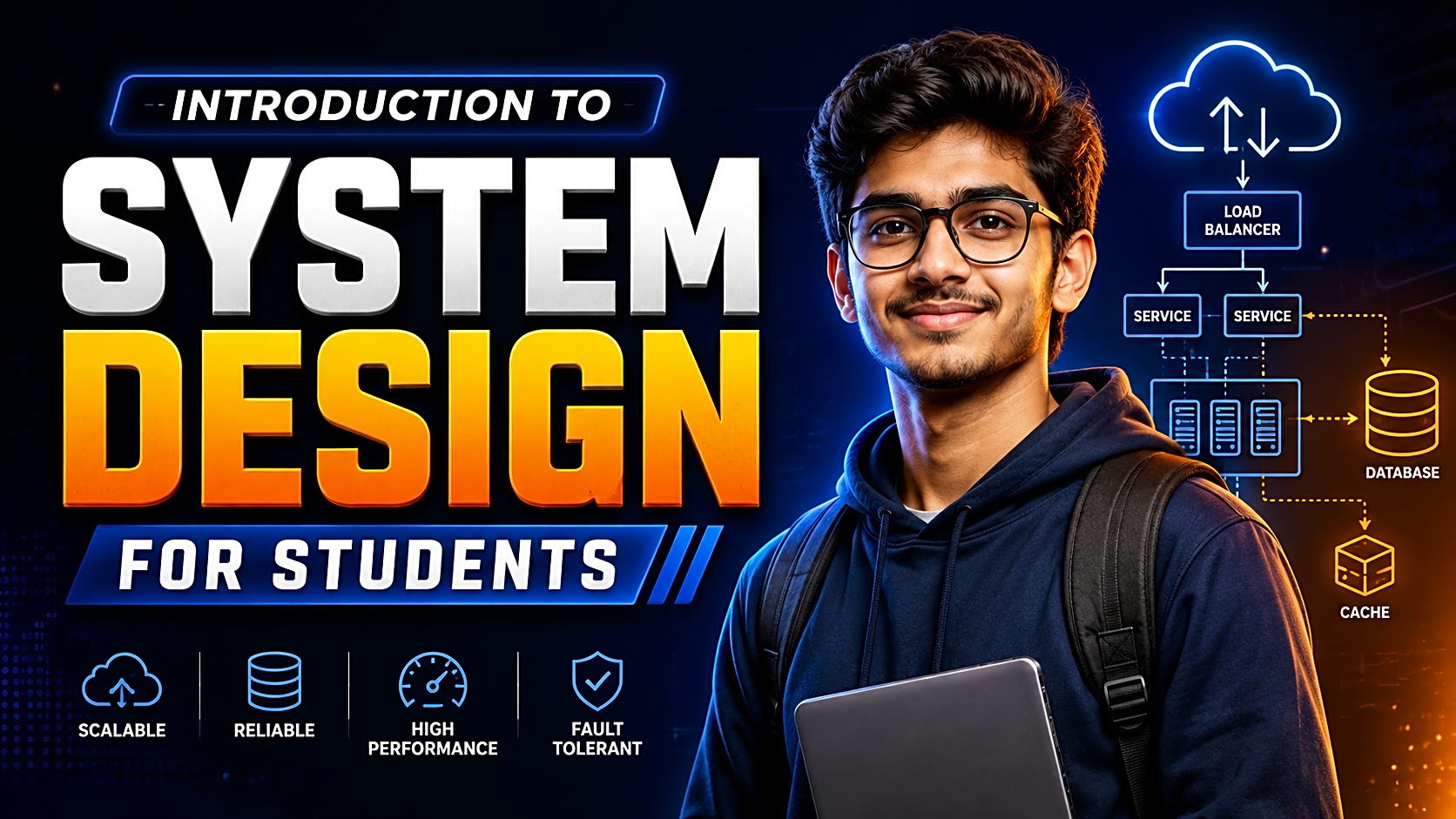
System Design for Students: A Step-by-Step Project Architecture Guide
Learn HLD, LLD, databases, APIs, scalability, security, diagrams and a practical attendance-system design without unnecessary enterprise complexity.
A project can have a working login page, dashboard, database and admin panel—and still be badly designed.
The weakness appears when a second user role is added, controllers become crowded, queries are repeated, uploaded files disappear after deployment, or a reviewer asks: “Why did you choose this architecture?”
System design helps you answer that question before the code becomes expensive to change. It provides a structured way to plan users, modules, data, interfaces, security, performance, failures and deployment.
Quick Answer: What Is System Design?
System design is the process of defining a software system’s architecture, components, interfaces, data model and technical decisions so it can satisfy functional and non-functional requirements.
For a student project, it answers:
- Who will use the application?
- What must each user be able to do?
- Which modules and data entities are required?
- How will the frontend, backend, database, storage and external services communicate?
- How will the system protect data and handle errors?
- What design suits the project’s scale, team, budget and deadline?
System design is not adding microservices, Redis or queues merely to make a diagram look advanced. A good design is the simplest architecture that meets the requirements and has clear trade-offs.
Why System Design Matters for Students
Starting with screens and database tables can create duplicated logic, weak authorization, incorrect relationships and major rework near submission.
A basic design helps you:
- divide work into clear modules;
- select a suitable architecture and technology stack;
- define database constraints before implementation;
- connect requirements with UML, ER, DFD, sequence and deployment diagrams;
- anticipate performance, security and reliability risks;
- produce stronger documentation and viva answers.
It also improves engineering judgement. Instead of saying, “We used MongoDB because it is popular,” you learn to explain the data shape, access patterns, consistency needs and reporting requirements.
HLD vs LLD
|
Area |
High-Level Design |
Low-Level Design |
|
Purpose |
Shows the overall system |
Explains one component in detail |
|
Focus |
Clients, modules, databases, storage and integrations |
Classes, methods, validation, schemas and algorithms |
|
Diagrams |
Architecture, context, deployment and data flow |
Class, sequence, state and detailed ER |
|
Key question |
What are the major parts? |
How will this part work internally? |
|
Example |
React client, Node API, MySQL and email service |
AttendanceService, transaction flow and repository methods |
HLD is prepared during architecture planning. LLD is refined before or during implementation. Both must remain consistent with the final code.
Start with Requirements, Not Technology
Functional requirements
Functional requirements describe what the system must do. For an attendance application, examples include creating users and classes, assigning faculty, marking attendance, viewing summaries and generating reports.
Write them role by role. “Manage attendance” is vague. “Faculty can submit attendance once for an assigned class session” is testable.
Non-functional requirements
These describe how well the system must operate.
|
Quality |
Better requirement |
|
Performance |
Attendance summaries load within two seconds under the expected demonstration load |
|
Security |
Every protected request validates identity and resource-level permission |
|
Reliability |
Submission cannot create partial or duplicate records |
|
Maintainability |
User, class, attendance and reporting logic remain separate |
|
Recovery |
A documented backup and restoration process exists |
Avoid unsupported phrases such as “highly scalable” or “100% secure.” State a target, test it and record the limitation.
Core System-Design Building Blocks
Client-server architecture and APIs
Most student web applications use a browser or mobile client, backend application and database. The client sends an HTTP request; the server validates it, performs business logic, reads or writes data and returns a response. HTTP uses a client-server request-and-response model.
Define important APIs by method, path, inputs, authentication, authorization, success response and errors. An API contract prevents incompatible frontend and backend assumptions.
Database and storage
Choose the database from access patterns. A relational database usually suits structured relationships, transactions, constraints and reporting. A document database can suit genuinely flexible records.
Store large uploads in file or object storage and keep their metadata in the database.
Performance and scalability
Understand four measurements:
- Latency: time taken by one request.
- Throughput: work completed over time.
- Concurrency: active requests or users.
- Capacity: load handled within stated targets.
Vertical scaling gives one machine more resources. Horizontal scaling adds application instances and may require stateless servers, shared sessions, a load balancer and shared storage.
Caching can reduce repeated work, but it introduces expiration and invalidation problems. Add it only after measuring a repeated, expensive read.
Reliability, security and observability
Use transactions when related writes must succeed or fail together. Add timeouts to external calls. Use queues for slow work such as report generation or bulk notifications.
Authentication confirms identity; authorization decides which action that identity may perform on a resource. OWASP recommends deny-by-default access and permission validation on every protected request.
At minimum, add structured error logs, request identifiers and a health endpoint. Larger systems may correlate logs, metrics and traces—the primary telemetry signals documented by OpenTelemetry.
Worked Example: Student Attendance System
Assume four roles: Admin, Faculty, Student and Parent.
High-level architecture
Browser → Backend API → Relational Database
The backend also connects to report storage, a notification provider and, optionally, a background worker.
For a small team, use a modular monolith: one deployment with separate users, academics, attendance, reporting and notification modules.
Permission matrix
|
Action |
Admin |
Faculty |
Student |
Parent |
|
Create courses and classes |
Yes |
No |
No |
No |
|
Submit attendance |
Override |
Assigned classes |
No |
No |
|
Correct attendance |
Yes |
Within policy |
No |
No |
|
View summary |
Yes |
Assigned classes |
Own |
Linked student |
|
Generate shortage report |
Yes |
Assigned classes |
No |
No |
Data and API design
Use User, StudentProfile, ParentStudentLink, Course, Subject, ClassSession, FacultyAssignment, Enrollment and AttendanceRecord.
Important constraints include one attendance record per student per session, valid enrolment, valid faculty assignment and a correction history.
|
Method |
Endpoint |
Purpose |
|
POST |
/classes/{id}/attendance |
Submit attendance |
|
GET |
/students/{id}/attendance |
Return an authorized summary |
|
PATCH |
/attendance/{id} |
Correct a record with a reason |
|
GET |
/reports/shortage |
Generate a shortage list |
|
GET |
/health |
Verify application health |
Attendance submission should authenticate the faculty member, verify assignment, validate the session and student list, reject duplicates, write records transactionally and log the result.
A modular monolith is easier to deploy and explain than microservices. A relational database supports constraints and reporting. A worker is optional until report generation affects normal requests.
Seven-Step System Design Process
- Define the problem and scope. State users, the problem, success criteria and excluded features.
- List role-wise requirements. Convert broad modules into testable actions.
- Set non-functional targets. Estimate users, data, latency, security, budget and recovery needs.
- Draw the HLD. Add clients, modules, database, storage, integrations and the deployment boundary.
- Design data and API contracts. Connect endpoints to use cases, entities and permissions.
- Review risks and trade-offs. Identify bottlenecks, duplicate operations, dependencies and failure points.
- Build one critical workflow. Test valid, invalid, unauthorized, duplicate, concurrent and failure cases, then update the design.
Beginner Learning Roadmap
|
Stage |
Concepts |
|
Foundation |
HTTP, client-server architecture, SQL, APIs and authentication |
|
Project design |
Requirements, HLD, LLD, ER models and API contracts |
|
Reliability |
Transactions, logging, backups, timeouts and failure handling |
|
Scale |
Caching, load balancing, queues, replication and stateless services |
|
Advanced |
Partitioning, consistency, distributed systems and event-driven architecture |
Start with a library, attendance, booking, hospital, help-desk or e-commerce application. Implement one workflow and revise the design using evidence.
Common Mistakes
- Choosing microservices without a clear requirement
- Drawing architecture after coding and misrepresenting the implementation
- Treating login as complete access control
- Creating tables without constraints or access-pattern analysis
- Adding caching before measuring a performance problem
- Ignoring storage, backups, configuration and deployment
- Claiming reliability without testing failure and recovery
- Using inconsistent names across diagrams, APIs, code and reports
System Design Checklist
Before coding, confirm that you can explain:
- users and five critical workflows;
- functional and non-functional requirements;
- HLD and module boundaries;
- database entities and constraints;
- API contracts and authorization rules;
- failure and recovery controls;
- deployment, storage, logging and backup decisions;
- one major trade-off and one known limitation.
Frequently Asked Questions
Is system design difficult for beginners?
It becomes difficult when learning starts with massive distributed systems. Begin with one client-server application, database design, APIs, security and failure cases.
What should I learn before system design?
Basic programming, SQL, HTTP, APIs, data structures, one backend framework and software-development lifecycle concepts are enough to begin.
Should students use a monolith or microservices?
Most small teams should start with a modular monolith. Use microservices only when independent deployment, ownership, scaling or fault isolation solves a demonstrated problem.
How do I draw a system architecture diagram?
Place users and external systems first, then the client, application, database, storage and integrations. Draw labelled connections and show the deployment boundary.
What is the difference between scalability and reliability?
Scalability concerns handling more work while meeting performance targets. Reliability concerns completing intended functions correctly and consistently, including during faults.
How can I practise system design?
Choose an application, define requirements, draw the HLD, create the ER model and APIs, implement one workflow, test failures and revise the design.
What is the best system-design project for students?
Choose a project with multiple roles, meaningful data relationships, authorization rules, reporting and at least one measurable engineering challenge.
Conclusion
System design for students is not about copying the architecture of a global platform. It is about converting requirements into components, data models, interfaces, access rules, failure controls and justified trade-offs.
Before building your next application, document the users, five critical workflows, HLD, database relationships, API contracts, authorization rules and likely failure cases. Then implement one workflow with realistic data, test it and update the design using evidence.
Need an application on which to practise? Explore FileMakr’s final-year project ideas or runnable project source code, then design the architecture before modifying the implementation.
Sources and Further Reading
The technical framing can be supported with the AWS Well-Architected Framework, MDN’s HTTP documentation, OWASP authorization guidance and OpenTelemetry’s observability documentation. AWS currently organizes architecture review around operational excellence, security, reliability, performance efficiency, cost optimization and sustainability.
Estimated article length: approximately 1,600 words, excluding SEO metadata and schema.